Managing Users
Managing Users
SkySaver supports multiple users per project, allowing teams to collaborate on AWS cost optimization. This section covers how to invite users, manage permissions, and configure team access.
User Model
Users in SkySaver are:
- Added by email address (must have a registered SkySaver account)
- Granted granular permissions via RBAC
Viewing Users
Navigate to Tenant Management and click the Users tab to see all users in your project.
| Column | Description |
|---|---|
| User’s email address | |
| Status | Protected badge shown for protected users (see Protected Users below) |
| Permissions | Assigned permission scopes |
| Actions | ⋯ menu with Edit and Remove options |
Adding Users
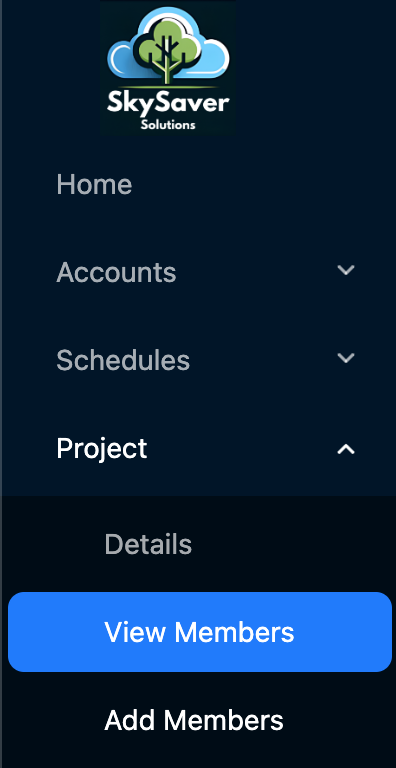
Step 1: Navigate to Add Members
Navigate to Tenant Management
Step 2: Select the Users tab
Step 3: Click Add User
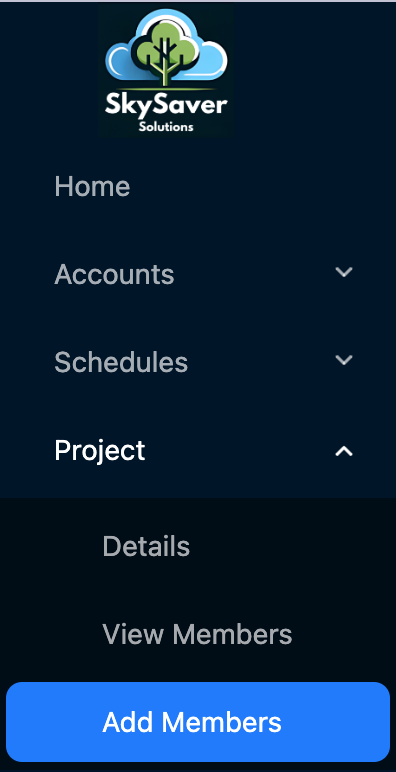
Step 4: Enter Email
- Enter the user’s email address
- Click Add User
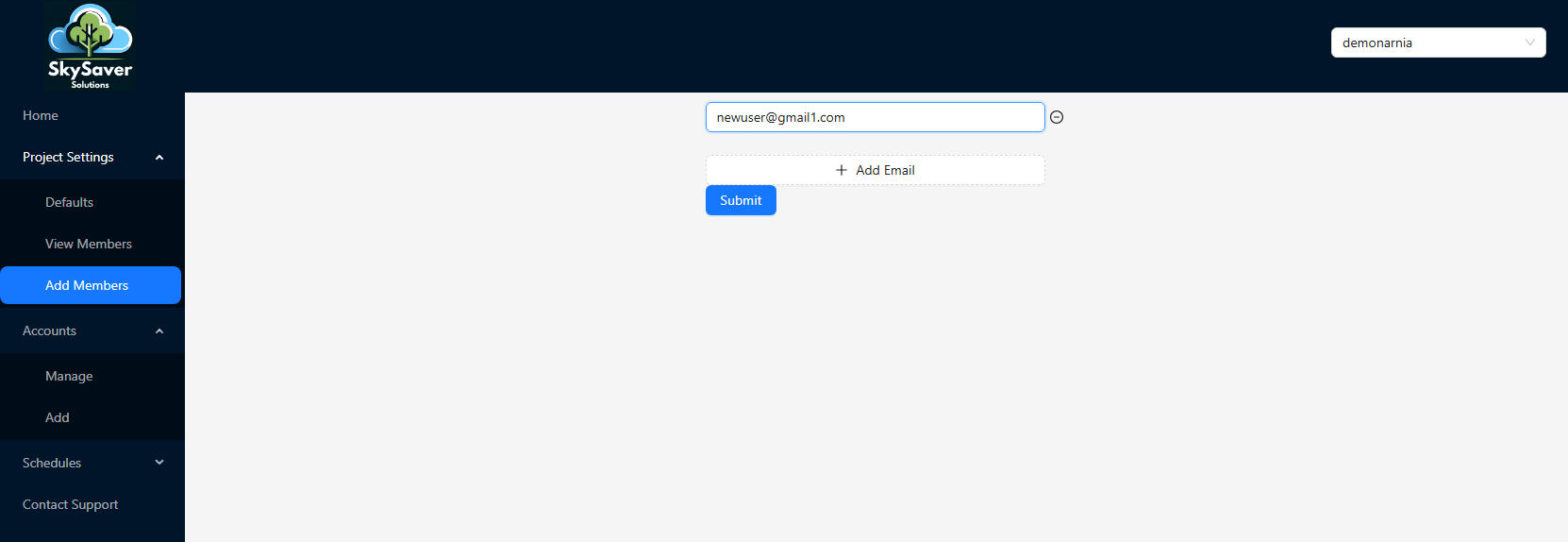
Note: The user must already have a registered SkySaver account. New users start with no permissions — assign scopes after adding them.
Protected Users
Protected users cannot be deleted by project members who are not power users. This status is typically used to safeguard the primary project owner from accidental removal.
- Protected users display a Protected status badge in the Users table
- To enable or disable protection, click the ⋯ menu on a user row and select Edit User, then check or uncheck Enable protection for this user under the Protect User section
- Only
org:powerusermembers can remove a protected user
User Permissions
SkySaver uses a scope-based permission system. New users start with no permissions.See RBAC for detailed information.
Quick Permission Levels
| Level | Capabilities |
|---|---|
| Admin | Full access to all features |
| Member | View and modify specific resources |
| Viewer | Read-only access |
Assigning Permissions
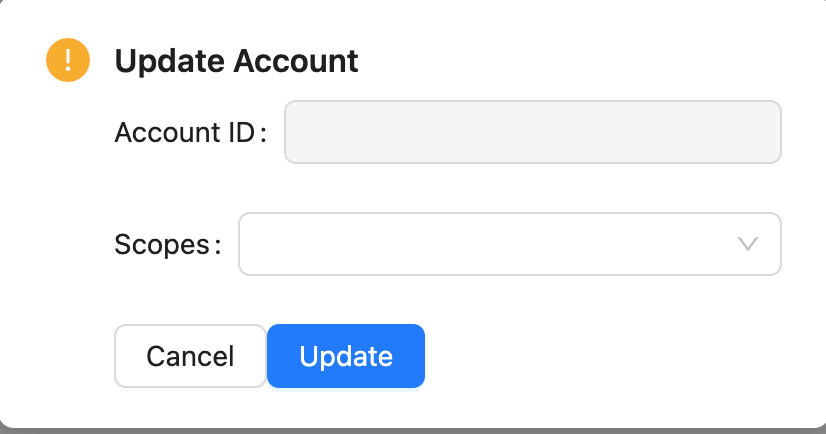
- Click the ⋯ menu on the user row and select Edit
- Select permissions to grant
- For admin access, assign the org:poweruser scope
- Click Save Changes
Removing Users
To remove a user:
- Navigate to Tenant Management > Users tab
- Find the user you want to remove
- Click Remove on the users drop down menu
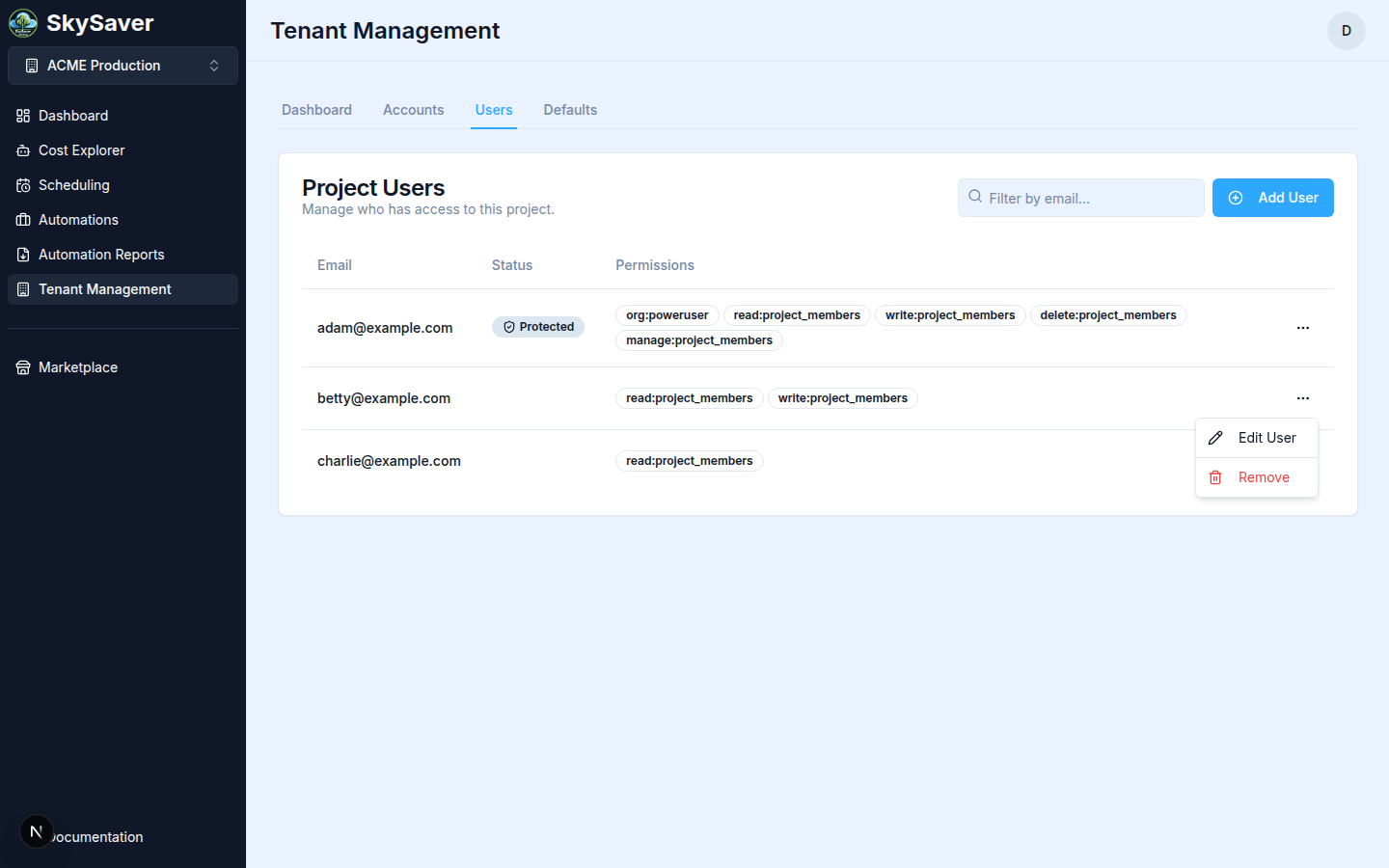
- Confirm removal
Note: Removing a user revokes their access immediately. They will no longer be able to log in to the project.
Best Practices
- Principle of least privilege - Grant only necessary permissions
- Regular audits - Review user access periodically
- Admin sparingly - Limit admin access to key personnel
- Document access - Maintain records of who has access
Troubleshooting
| Issue | Cause | Solution |
|---|---|---|
| User can’t login | Wrong email | Verify email matches Cognito account |
| No access | Permissions not set | Assign scopes in Edit view |
| Can’t see resources | Missing permissions | Ensure user has appropriate scopes |
Related Topics
- RBAC - Detailed permission information
- Project Defaults - Project configuration
- Key Concepts - Understanding projects and users