Manage Schedules
Managing Schedules
Sign into the SkySaver portal and navigate to Scheduling from the main menu.
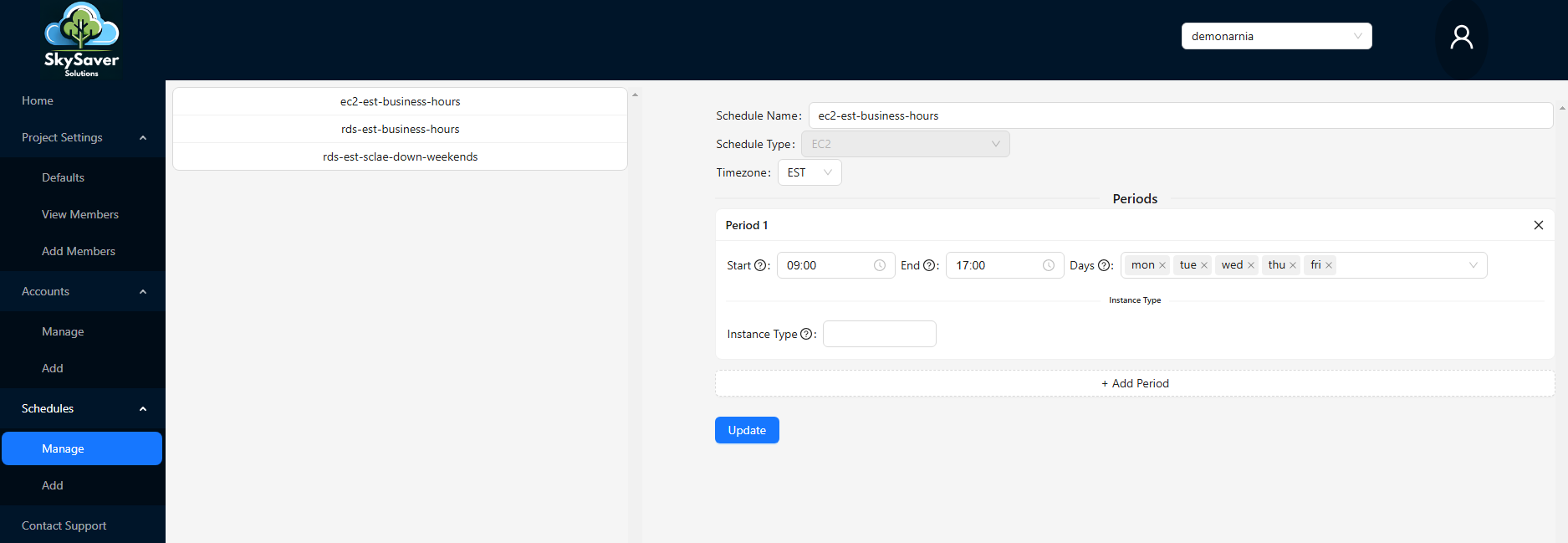
Here you can see all the schedules you have created.
Schedule Actions
Each schedule row has a context menu (⋯) with the following options:
| Action | Description |
|---|---|
| Edit | Open the schedule to modify its name, timezone, or periods |
| Duplicate | Create a copy of the schedule with all its periods — useful as a starting point for a similar schedule |
| Delete | Permanently remove the schedule |
Editing a Schedule
Click Edit from the schedule context menu to open the schedule editor. After making changes, click Save Changes to apply them.
Please see the Creating Schedules page for more information on the components of a schedule.