Add Schedules
Adding Schedules
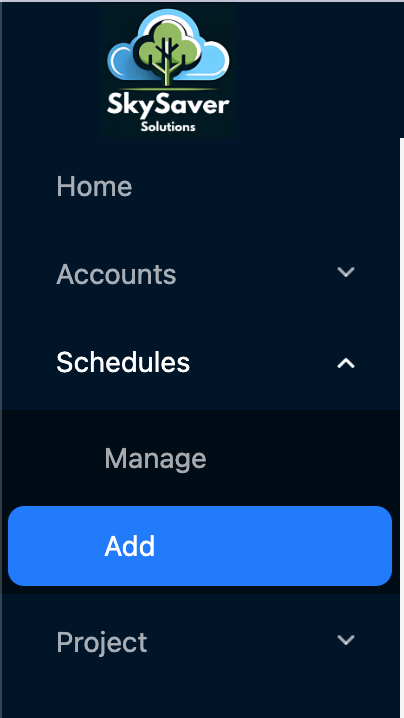
Sign into the SkySaver portal and navigate to Scheduling from the main menu. Click the Create Schedule button to open the new schedule dialog.
In the dialog you’ll configure the schedule details. Please see the Creating Schedules page for more information on the components of a schedule.